Installing the Free plugin
Get SEO Ops running on your WordPress site, then set up your first client.
Requirements
- WordPress version: 6.5 or newer
- PHP version: 8.1 or newer
- A WordPress user who can install plugins (usually an Administrator)
Install and activate
- 1Download the Free plugin as a .zip file.
- 2In WordPress, go to
Plugins › Add New Plugin › Upload Plugin. - 3Choose the .zip, click Install Now, then Activate Plugin.
Upgrading later? Premium is covered in Upgrading to Premium.
After activation
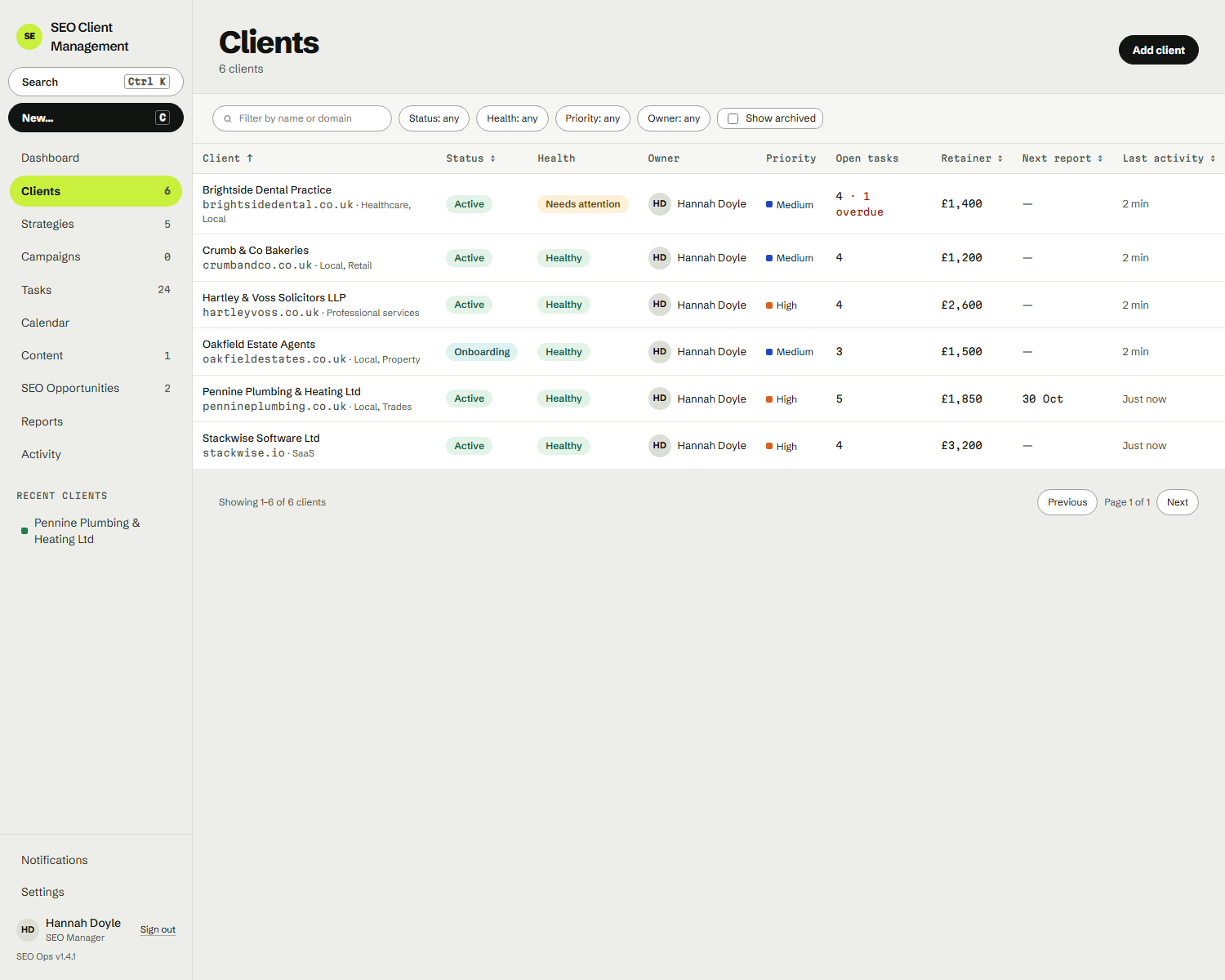
SEO Ops appears near the top of the WordPress admin menu. Click it to open the app inside wp-admin, or go to /seo-ops on your site for the full-screen version. You start with an empty dashboard and no demo data, with a button to add your first client.